See Incise in action.
A quick look at the editor doing real work: parsing data, rendering Markdown, diffing against disk, and switching themes in a single keystroke.
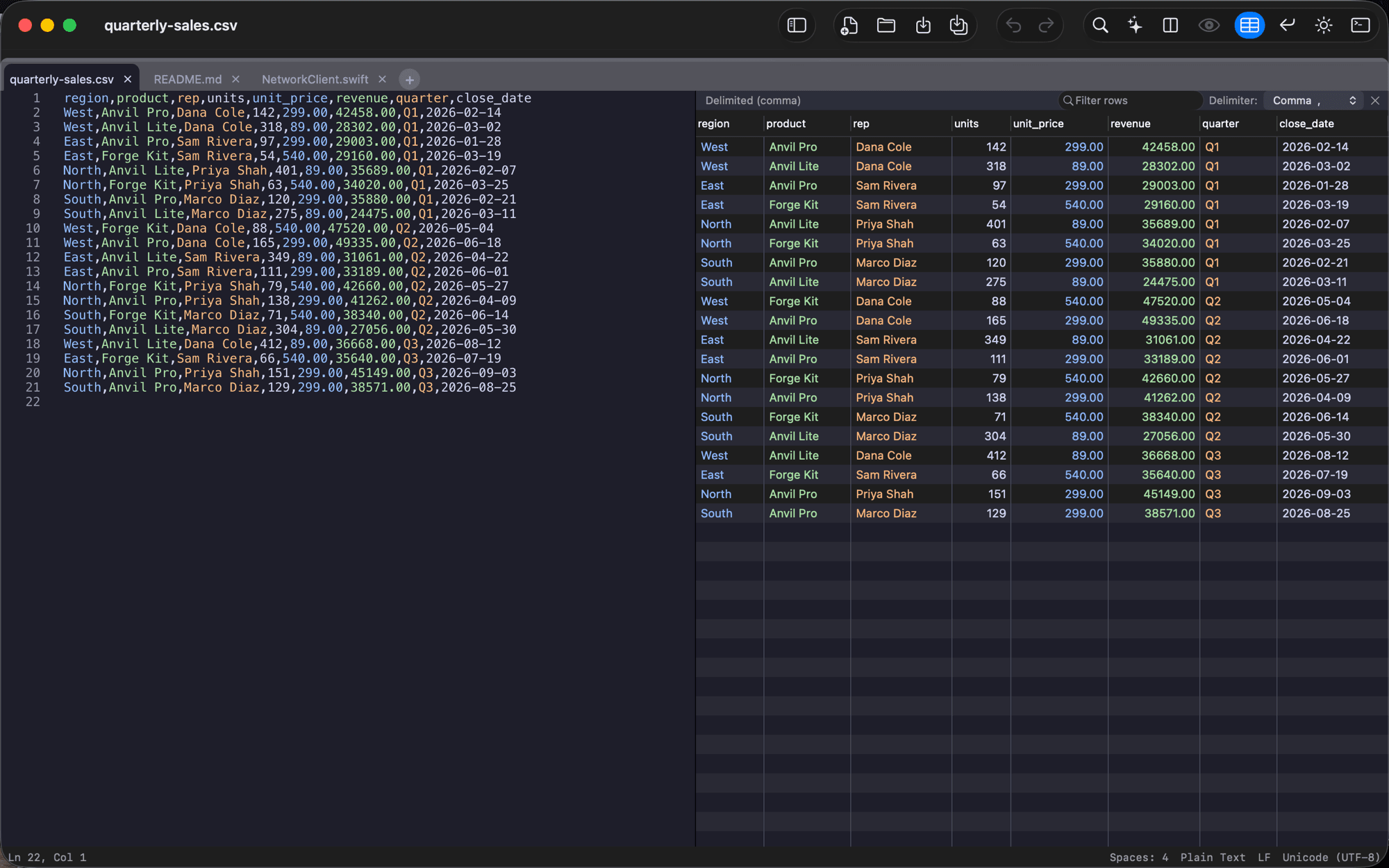
Open any CSV as a real table
Point Incise at a delimited or fixed-width file and it detects the columns for you, then shows the raw text and a live, color-coded table side by side. Sort, filter, and edit cells in place; changes write straight back to the file.
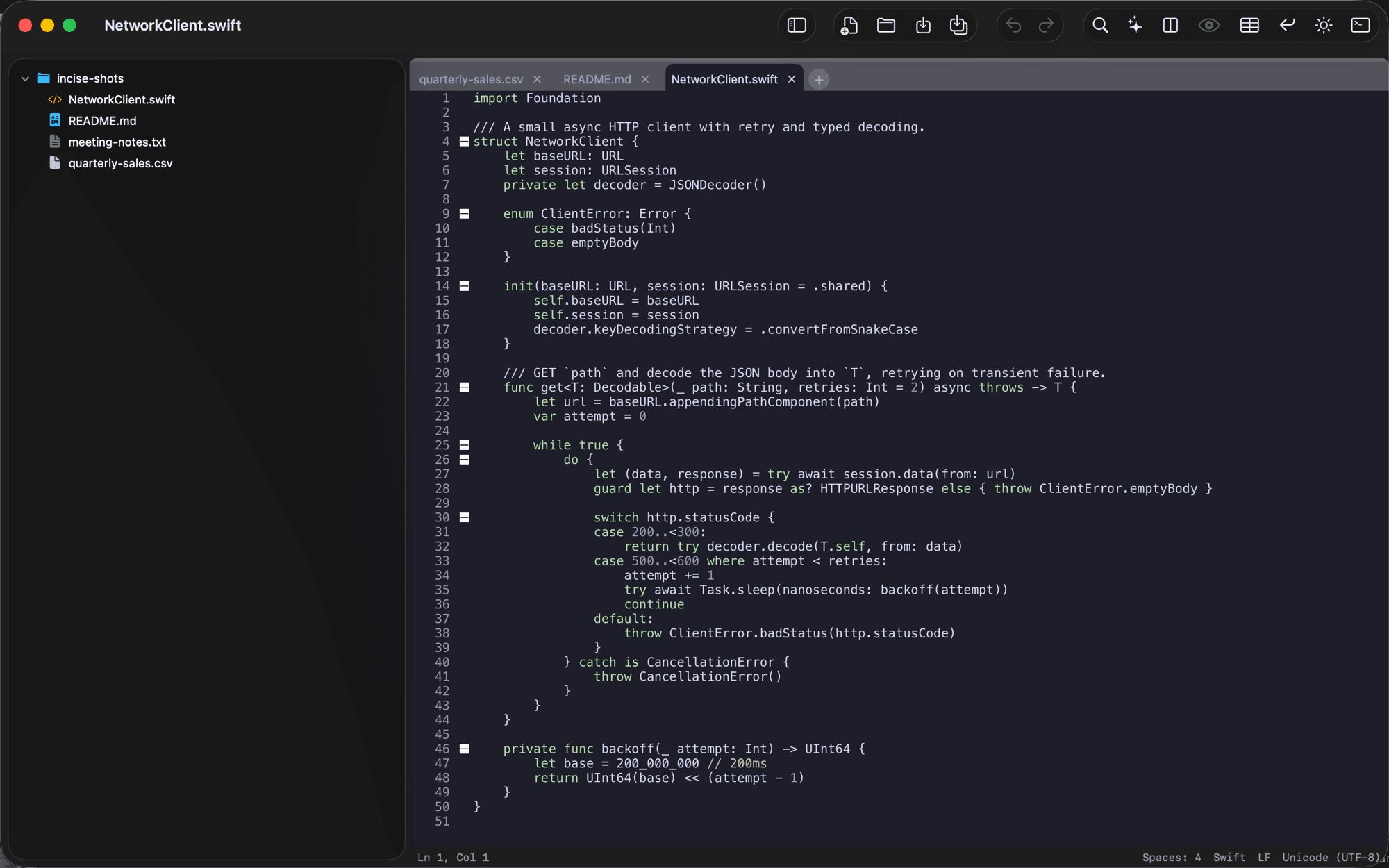
Fast, native syntax highlighting
A customized Scintilla engine drives multi-tab editing, code folding, and a workspace file tree, responsive even on large files, with zero UI lag.
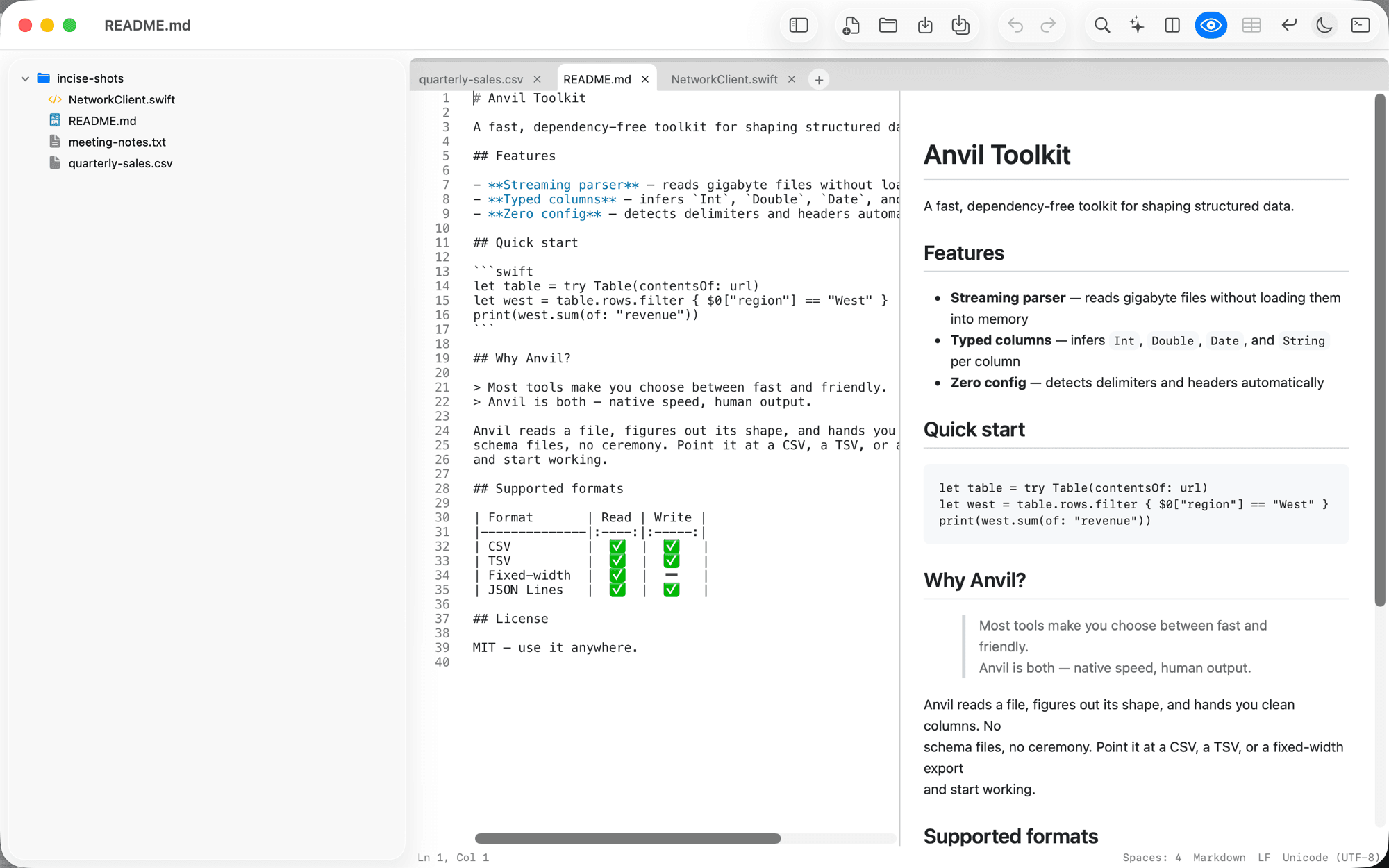
Live Markdown & HTML preview
Split the editor with a rendered preview (⌘⌥P) and watch it update as you type: the source in one pane, its formatted output in the other. Light or dark, following your theme.
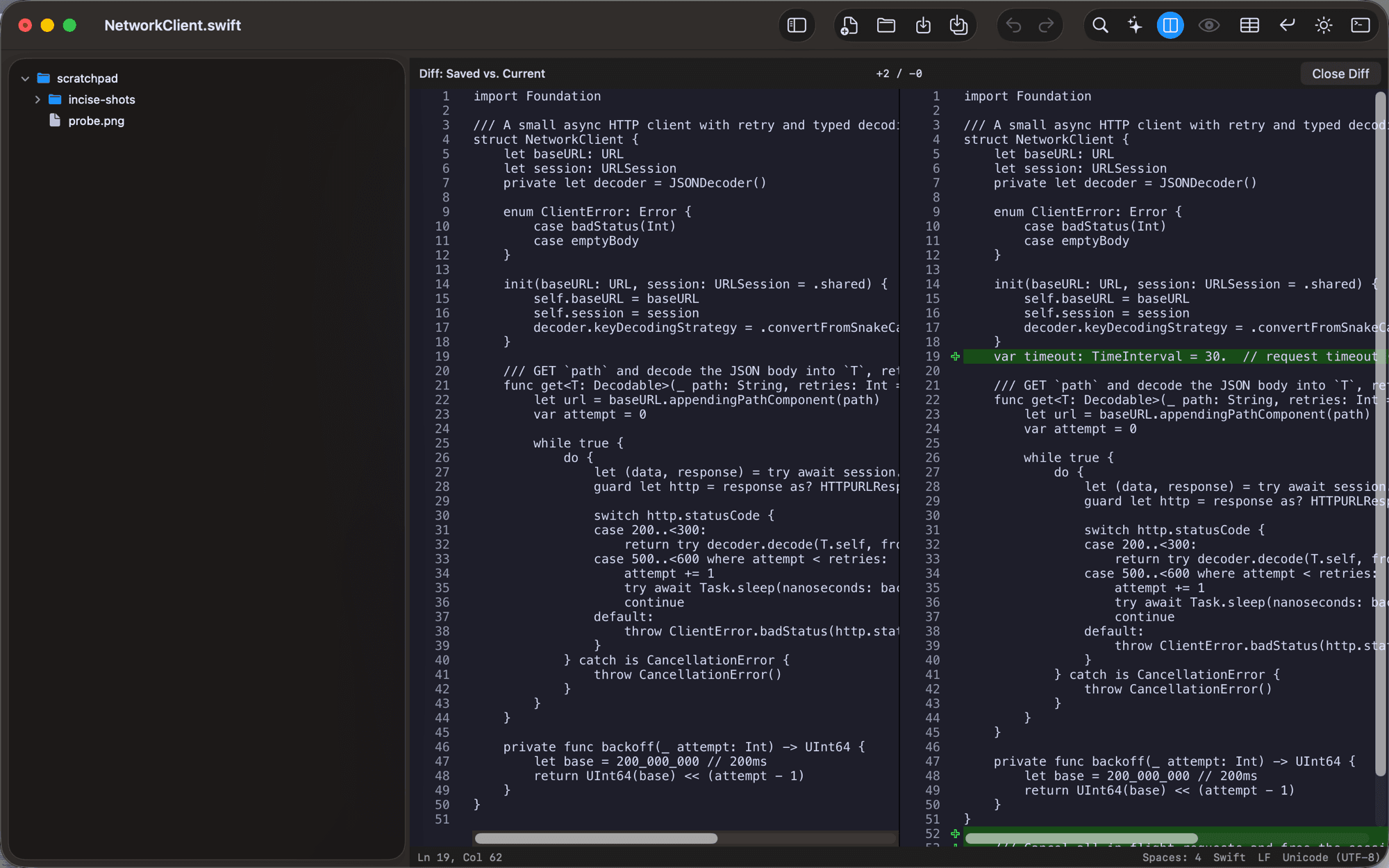
Side-by-side diff against disk
Compare your unsaved edits with the version on disk (⇧⌘D). Additions and changes are marked natively, so you stay in complete control of every write.
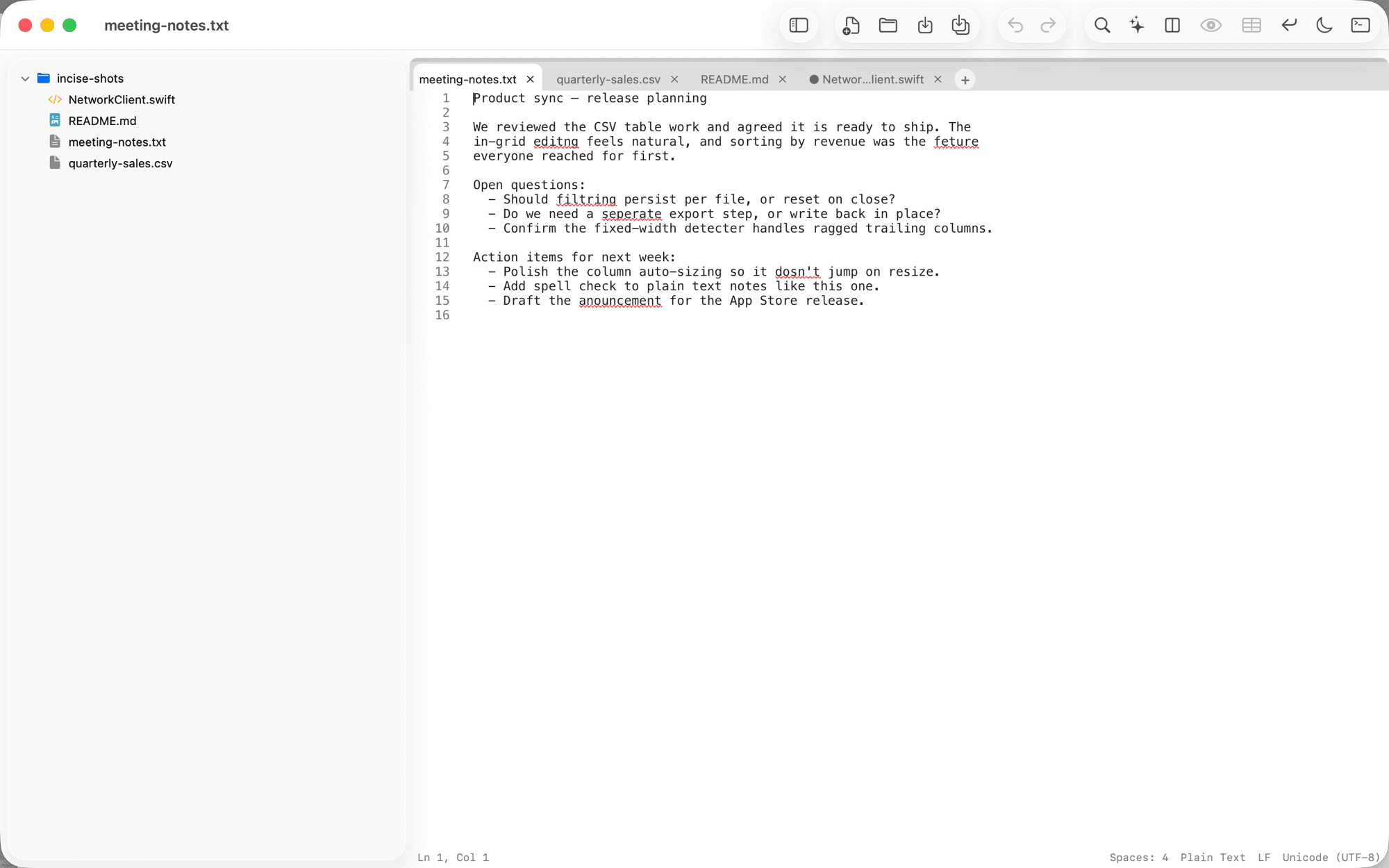
Inline spell-check
Misspellings are underlined as you type in plain-text notes and Markdown. Right-click a squiggle for suggestions and keep writing.
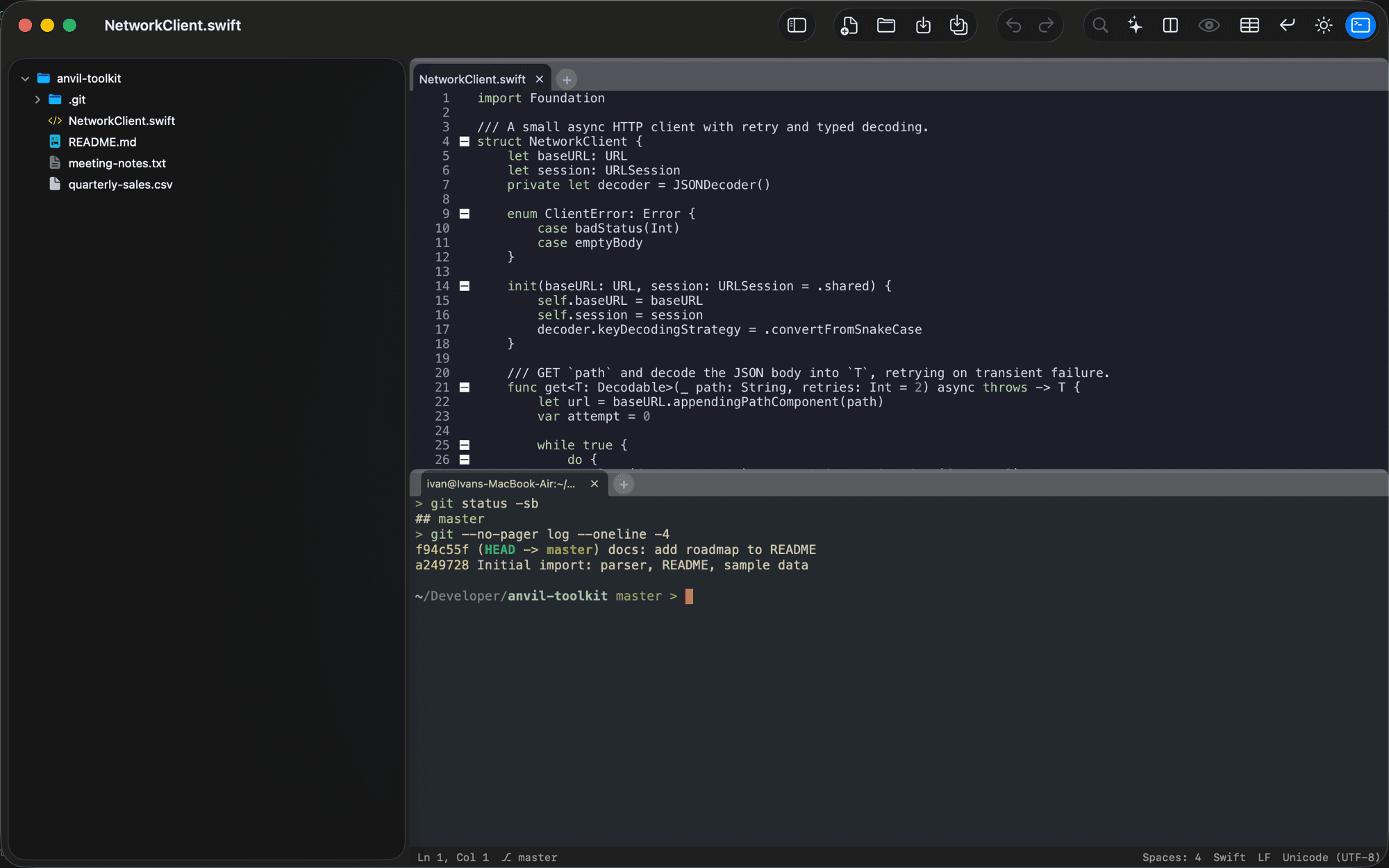
An integrated terminal
Drop a real terminal below the editor (⌃`), opening right in your project folder: git-aware, with tabs and per-terminal themes. Available in the Homebrew / direct-download edition.
Works with Claude Code
Run Claude Code in Incise’s built-in terminal (or any terminal) and type /ide to connect it to your editor. Claude sees your active file and selection, opens files on request, and proposes edits as a native diff you accept or reject. Your editor stays the source of truth.